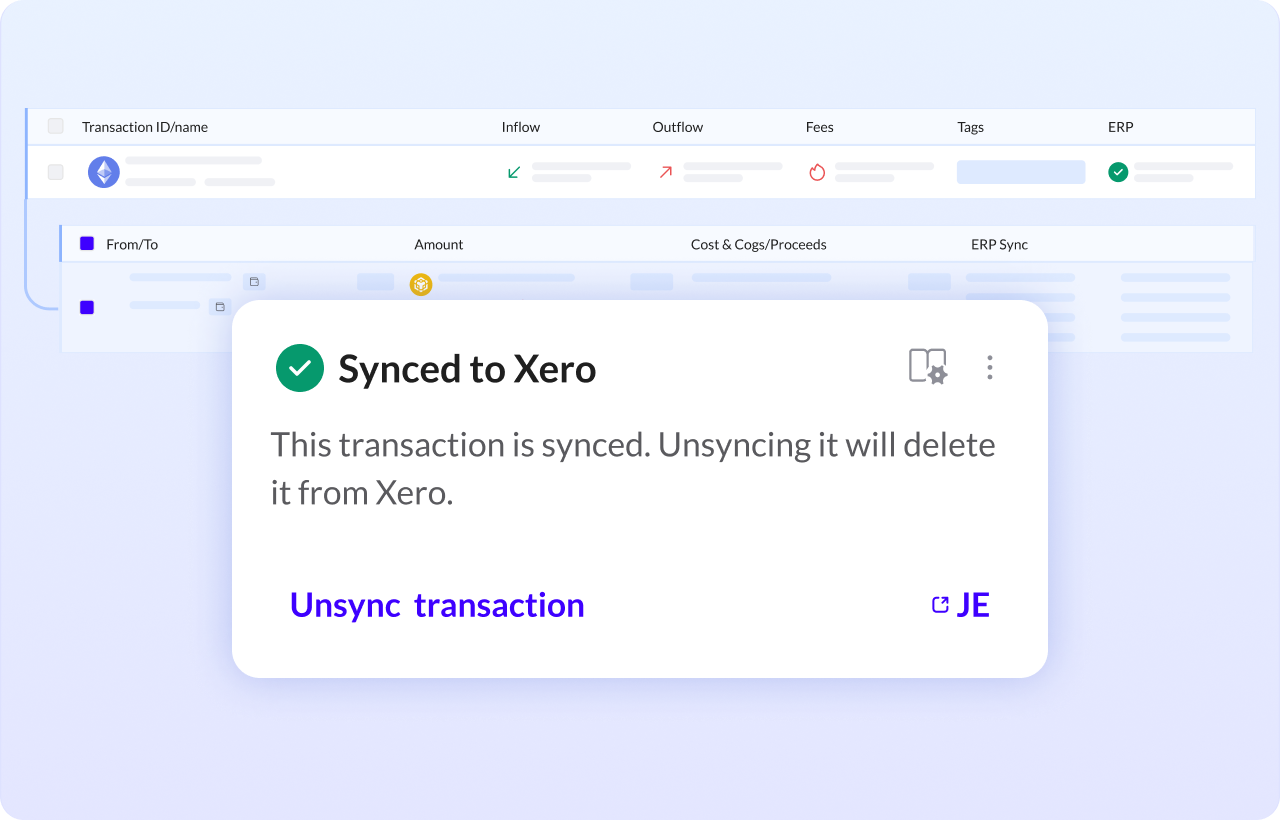
How to unsync an entry to XERO
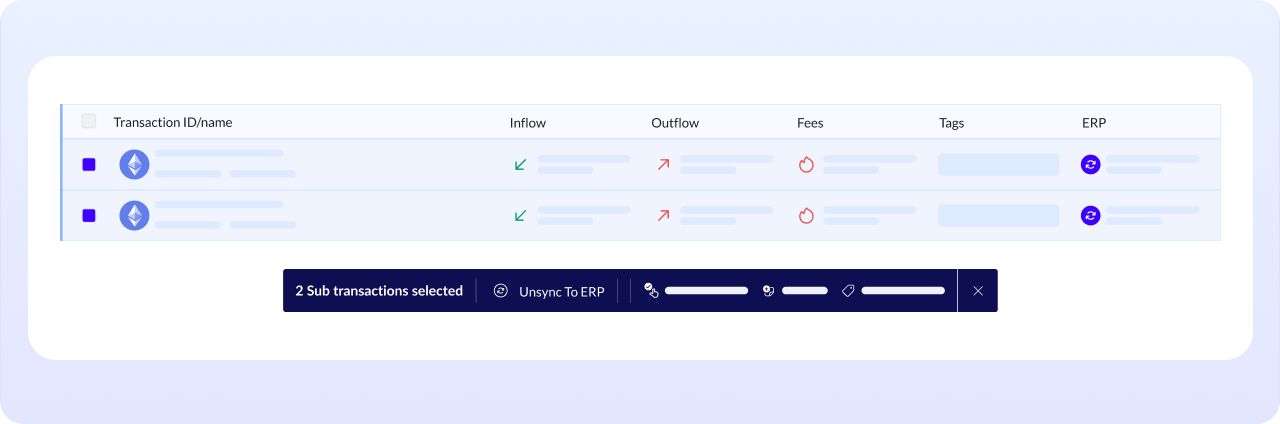
Unsyncing your transactions is simple. Just go to the Ledger module, select the entries you want to unsync, and click Unsync from ERP to complete the process.
If you only want to unsync one entry, click on the Synced entry and select Unsync transaction.