Adding wallets & Exchanges
How to add a On-chain wallet
Please note that you can add new wallets yourself directly through the platform. To do so:
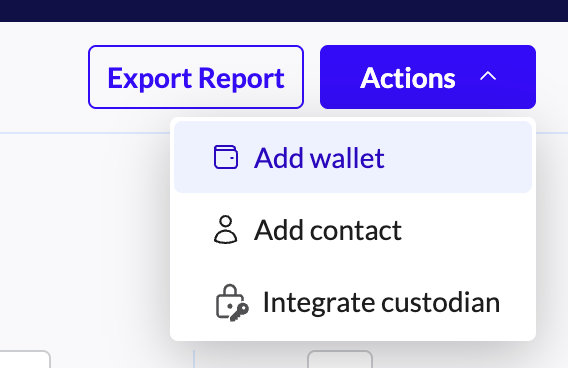
Go to the Accounts page and click Add Wallets in the upper right corner.
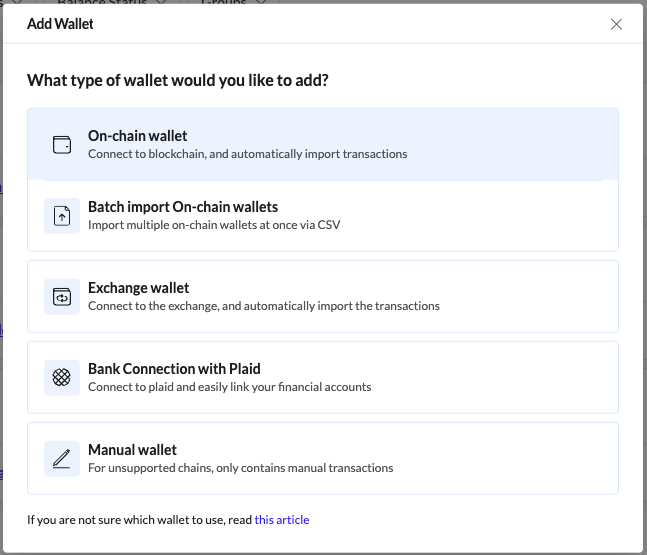
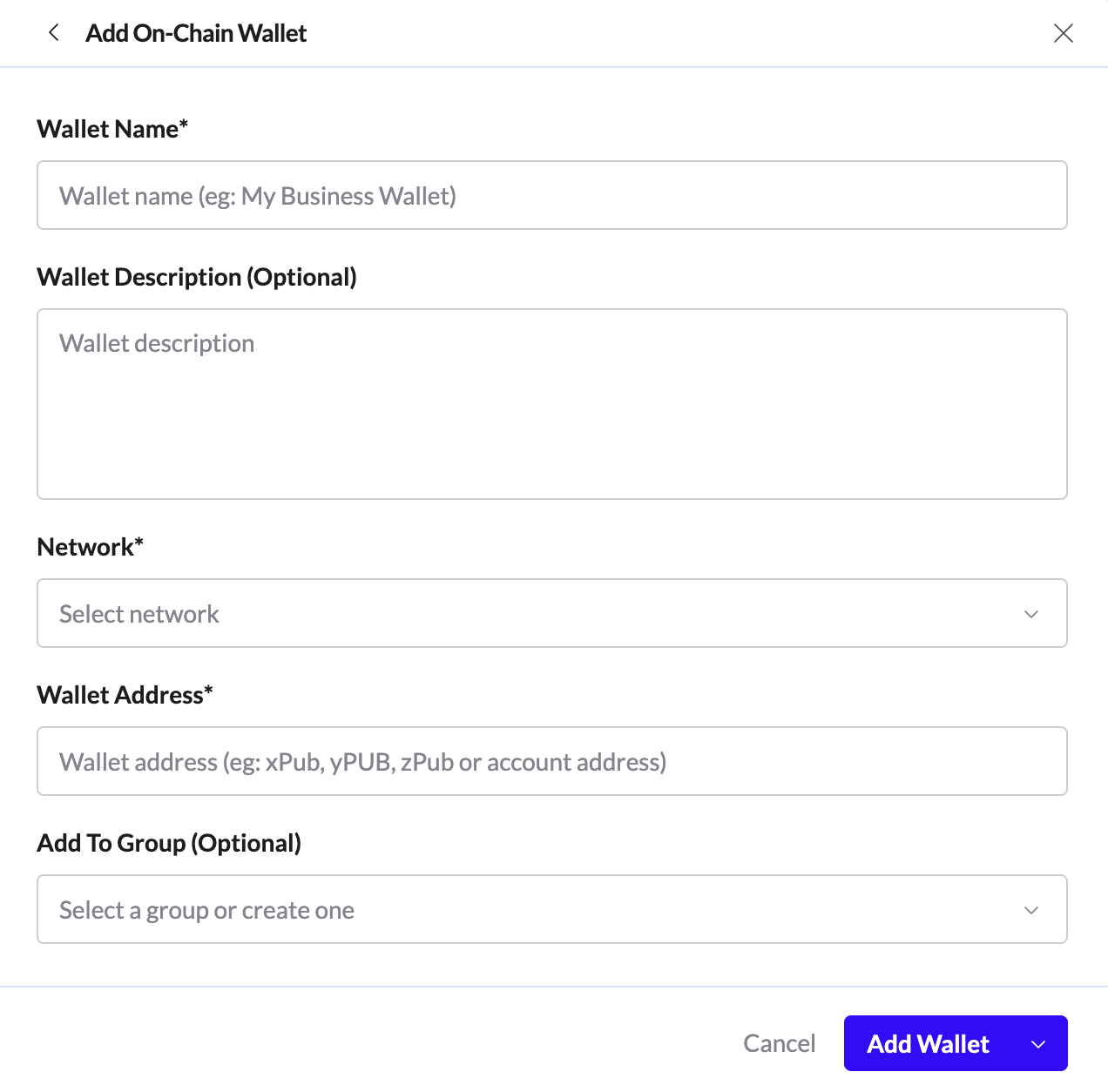
Select On-chain Wallets, choose the network, and enter the wallet address. Click on Add wallet.
How to add an Exchange wallet
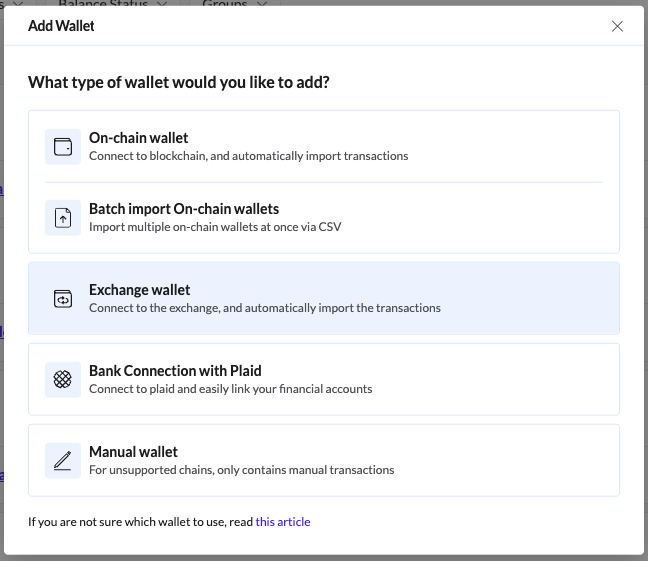
Select Exchange and choose your provider. Check this link for specific details on the setup process.